This is the Windows desktop version. We recommend migrating to the modern web version for the best experience.
Catalogador Desktop
Desktop App
The classic Windows desktop application for cataloging your collections. Works completely offline on your PC with full-featured database capabilities.
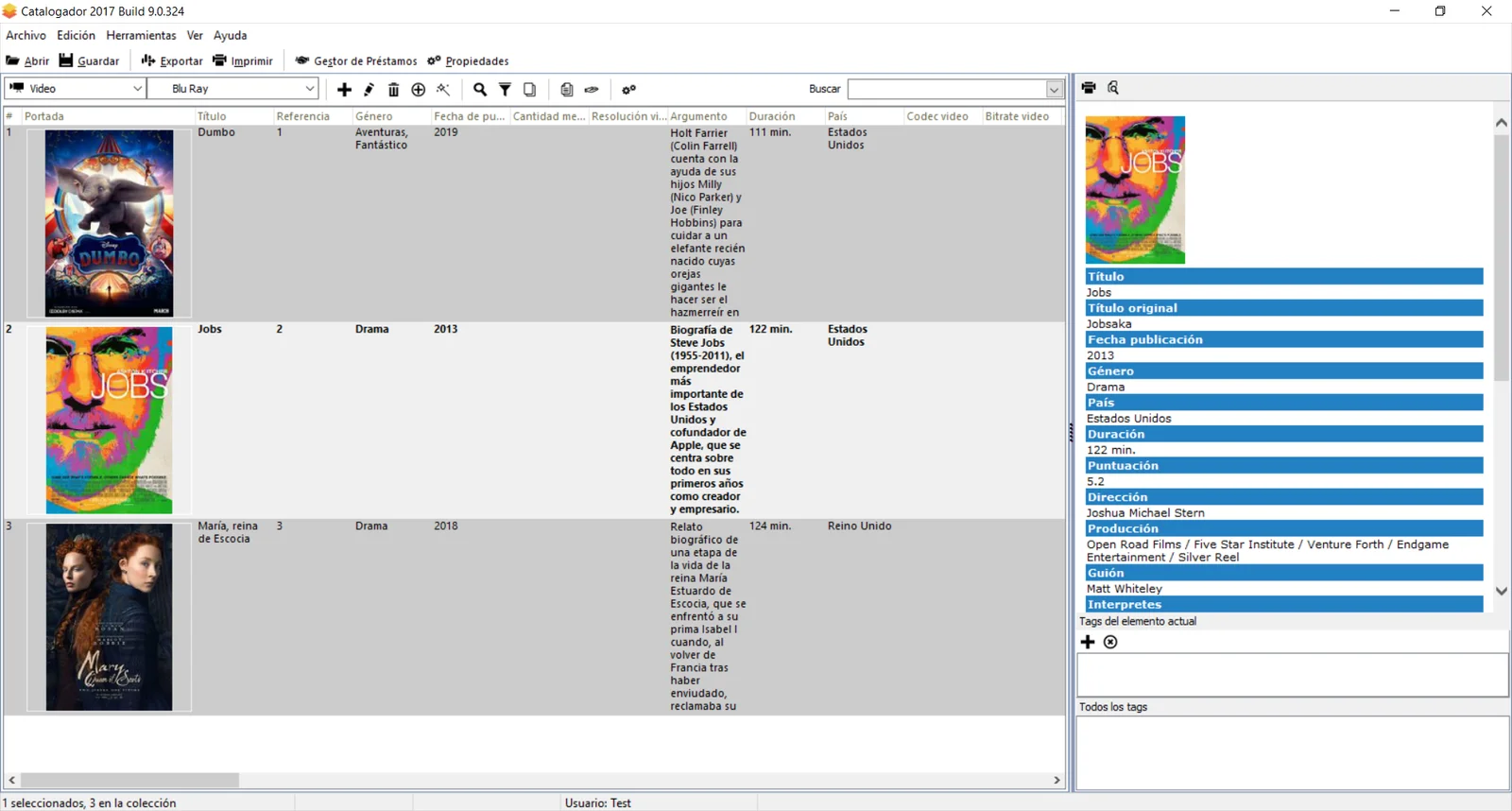
Classic desktop cataloging power
A tried-and-tested Windows application with years of development and refinement.
Native Windows App
Optimized for Windows desktop with native performance and familiar interface patterns.
Fully Offline
Works completely offline - no internet connection required. Your data stays on your PC.
Local Database
All your collection data stored locally in a robust database file on your computer.
Multi-Category Support
Catalog books, movies, music, games, software, and virtually any collection type.
Print Catalogs
Generate and print professional catalog reports directly from the application.
Import & Export
Export your data to various formats and backup your entire catalog database.
Ready to upgrade to the web?
The modern web version offers cloud sync, access from anywhere, mobile support, automatic backups, and continuous updates with new features. Plus, it's free forever!
Safe and easy migration process • Your data is preserved
System Requirements
Operating System
- Windows 7
- Windows 8 / 8.1
- Windows 10
- Windows 11
Minimum Requirements
- 1 GHz processor or faster
- 512 MB RAM minimum
- 100 MB available disk space
- Screen resolution 1024x768 or higher
Downloads & Resources
Everything you need to get started with Catalogador Desktop
Frequently Asked Questions
Common questions about the desktop application
Looking for the Best Experience?
The web version combines all the power of the desktop app with modern cloud features, mobile access, and continuous improvements. Plus, it's already included with your account!